Dell Performance Dock WD19DCS Dual USB-C Docking Station 210W Power Delivery Requires 240W AC Adapter Dell Service Part Number FMDC0
Dell Performance Dock WD19DCS Dual USB-C Docking Station 210W Power Delivery Requires 240W AC Adapter Dell Service Part Number FMDC0
SKU: FMDC0
UPC: 754063783713
Condition: Brand New, Factory Sealed
Authentic: Guaranteed 100% Genuine Dell Product
Fulfillment: Ships Same Business Day (Cutoff 3PM ET)
Warehouse: Ships from U.S. Warehouse
Shipping: Free UPS Ground Shipping
Returns: 30-Day Hassle-Free Returns
Support: U.S. Based Pre & Post-Sales Support
Sales Tax: Charged on Pennsylvania orders only — No tax for most out-of-state customers
Agotado
No se pudo cargar la disponibilidad de retiro
- Genuine OEM Products
- Hassle-Free Returns
- Free U.S. Based Product Support
Key Features
- FMDC0, or 0FMDC0, is Dell's internal service part number rather than an order code. Sellers quote it for both the retail kit and a bare service unit, so confirm whether the 240 W adapter is included.
- Dual USB-C host connection: a captive two-plug cable module in which both plugs carry video.
- There is no Thunderbolt port on this dock, and no configuration adds one.
- Specified for a 240 W AC adapter, which delivers up to 210 W to a Dell Precision 7000 series mobile workstation with both cables plugged in. Confirm whether one ships under this part number.
- 130 W to Dell systems on a single cable, and up to 90 W to non-Dell systems over USB Power Delivery 3.0.
- Drives up to four external displays over two DisplayPort 1.4 outputs, one HDMI 2.0 and a rear USB-C port carrying DisplayPort 1.4.
- Two 4K displays at 60 Hz on an HBR3 host; three 4K at 60 Hz only where the host and the monitors both support Display Stream Compression.
- Gigabit Ethernet with MAC Address Pass Through, PXE Boot and Wake-On-LAN. It is not 2.5GbE.
- No audio jacks of any kind, front or rear. Headsets connect to the notebook or over USB.
- 205 mm x 90 mm x 29 mm and 685 g by Dell's user guide, with a wedge-shaped lock slot and a Kensington slot on the left.
- Dell publishes no warranty term against an internal part number. The three-year retail warranty attaches to the boxed Dell product.
Key Specifications
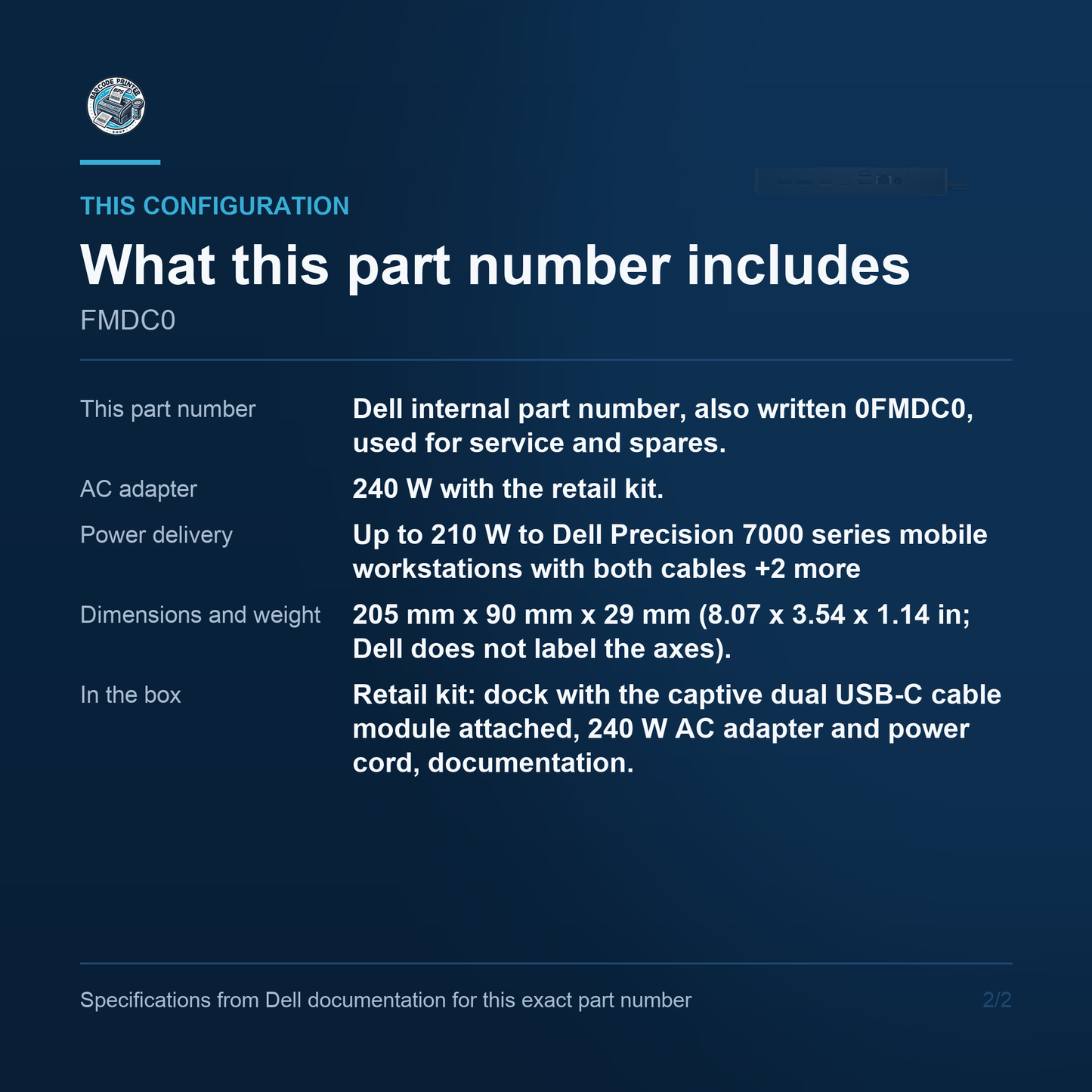
- This part number: Dell internal part number, also written 0FMDC0, used for service and spares. The order code is 210-AZBN
- AC adapter: 240 W with the retail kit. A bare service unit under this part number may ship without one - confirm per shipment
- Host connection: Captive dual USB-C cable module, separable from the dock. No Thunderbolt port
- Power delivery: Up to 210 W to Dell Precision 7000 series mobile workstations with both cables; 130 W to Dell systems on a single cable; up to 90 W to non-Dell systems over USB Power Delivery 3.0
- External displays: Up to 4, over 2 x DisplayPort 1.4, 1 x HDMI 2.0 and 1 x USB-C with DisplayPort 1.4
- Displays without DSC: HBR2 host: 3 x FHD @60 Hz, 3 x QHD @60 Hz or 1 x 4K @60 Hz. HBR3 host: 2 x 4K @60 Hz or 1 x 8K @30 Hz
- Displays with DSC: 3 x QHD @60 Hz or 3 x 4K @60 Hz. Dell states a maximum resolution of 5120 x 2880 @60 Hz
- USB ports: Front: 1 x USB 3.2 Gen2 Type-C, 1 x USB 3.2 Gen1 Type-A with PowerShare. Back: 1 x USB 3.2 Gen2 Type-C with DisplayPort 1.4, 2 x USB 3.2 Gen1 Type-A
- Network: Gigabit Ethernet (RJ-45) with MAC Address Pass Through, PXE Boot and Wake-On-LAN. Not 2.5GbE
- Audio: None. There are no audio jacks on this dock
- Dimensions and weight: 205 mm x 90 mm x 29 mm (8.07 x 3.54 x 1.14 in; Dell does not label the axes). 685 g (1.51 lb) per Dell's user guide
- In the box: Retail kit: dock with the captive dual USB-C cable module attached, 240 W AC adapter and power cord, documentation. Service packaging under this part number commonly omits the adapter and the retail box - confirm per shipment
What this code is
FMDC0, written 0FMDC0 with Dell's leading filler zero, is the internal part number stamped on this dock for service and spares. It is not an order code: Dell's own orderable code is 210-AZBN. That distinction has a commercial consequence worth settling before the order goes in. US resellers quote FMDC0 both for the complete retail kit and for a bare service unit, and Dell publishes package contents only against the retail product, never against an internal part number. Ask us to confirm what a given FMDC0 shipment contains rather than assuming a 240 W adapter is in the carton, and note that Dell's three-year warranty attaches to the retail product rather than to this number.
Host connection
The WD19DCS attaches to the notebook by a captive dual USB-C cable module: two USB-C plugs rather than one, and Dell describes the video path as separable dual DisplayPort over USB-C. Both plugs carry video, and that is what buys this dock its bandwidth - 17.2 Gbps at HBR2 and 25.9 Gbps at HBR3, against 8.6 and 12.9 Gbps on the single-cable WD19S. The cable module is separable from the dock, so a damaged lead does not condemn the unit. Dell also publishes figures for running with only one cable plugged in, at reduced power. What is absent is Thunderbolt: two independently worded transcriptions of Dell's rear-panel callout list returned no Thunderbolt port on this model.
Power and charging
Two numbers, and confusing them is the most common way to buy the wrong dock. The AC adapter is 240 W. The power delivered to the notebook is up to 210 W, and that figure applies to Dell Precision 7000 series mobile workstations with both USB-C cables plugged in. With a single cable plugged in it is 130 W to Dell systems. Non-Dell systems receive up to 90 W over USB Power Delivery 3.0, whatever the machine itself can draw. So this is the dock to specify when the host is a Precision mobile workstation that a 130 W dock cannot keep charged under load, and it is more dock than a fleet of ultraportables needs.
Displays and hosts
Display capability is a property of the dock and the host together, and Dell publishes it as a matrix rather than a headline. Up to four external displays are supported, routed over two DisplayPort 1.4 outputs, one HDMI 2.0 and the rear USB-C port carrying DisplayPort 1.4. On an HBR2 host Dell's data sheet gives three FHD at 60 Hz, three QHD at 60 Hz, or one 4K at 60 Hz. On an HBR3 host it gives two 4K at 60 Hz, or a single 8K at 30 Hz. With Display Stream Compression on both the host and the monitors it reaches three 4K at 60 Hz, and Dell states a maximum resolution of 5120 x 2880 at 60 Hz. Without DSC those upper figures are not available.
Ports and network
The port set is fixed and none of it is optional. On the front there is one USB 3.2 Gen2 Type-C port and one USB 3.2 Gen1 Type-A port with PowerShare, which will charge a phone from the dock. On the back there are two DisplayPort 1.4 outputs, one HDMI 2.0, one USB 3.2 Gen2 Type-C carrying DisplayPort 1.4, two USB 3.2 Gen1 Type-A ports, an RJ-45 network connector and the 7.4 mm DC-in barrel for the adapter. A wedge-shaped lock slot and a Kensington slot are on the left side. There are no audio jacks on this dock, front or rear. Networking is Gigabit Ethernet; no dock in the WD19 generation is 2.5GbE.
Dock management
Dell lists three management features against this dock, and they are why it turns up on corporate builds rather than consumer desks. MAC Address Pass Through makes the notebook present its own MAC address through the dock, so a network that authenticates or licenses by MAC address does not see a new device each time a machine changes desk. PXE Boot lets a docked machine boot from the network, which is how a re-image is normally driven. Wake-On-LAN lets a docked machine be woken for patching out of hours. What is not here is management of the dock itself: remote firmware and port control without a host PC arrived with Dell's Smart Dock line, the SD25 and the SD25TB4.
Where it fits
Specify this dock where the host is a Dell Precision 7000 series mobile workstation and the desk needs one connection rather than five. The 210 W figure is the whole argument: a workstation with a discrete GPU under sustained load draws more than a 130 W dock can supply, and the machine then runs its battery down while docked. Against that, it is the wrong dock for a fleet of ultraportables, where a WD19S or a current WD25 costs less and charges them fully. It is also the wrong dock if the requirement is Thunderbolt, or if anyone needs a headphone socket on the dock, because there is not one. This listing carries a Dell internal part number, so confirm the carton contents with us before the order goes in.
Lifecycle position
Dell has published no end-of-life or end-of-sale notice for this dock, and none should be inferred from a reseller page. What Dell has done is file the WD19S, WD19TBS and WD19DCS under Section II, Previous generation Dell Docks, in the Dell Pro Docks Compatibility Guide updated 26 June 2026, and let the store URL for 210-AZBN redirect to the accessories category rather than serve a product page. The nearest current USB-C dock we stock is the Dell Pro Smart Dock SD25, but read its power figures before swapping: it delivers 130 W where this dock delivers 210 W, so it will not hold a Precision 7000 under sustained load. Buy a WD19DCS deliberately, to match a fleet or to replace a failed unit.
Barcode Printer Shop supplies Dell docking stations by exact part number, with the adapter wattage and the power delivered to the notebook stated separately so the two are never confused. Contact us to learn more or secure this solution for your business today.