Dell Pro 14 Plus PB14250 Touch Laptop Core Ultra 7 265U 16GB DDR5 512GB SSD 14 Inch FHD+ 100% sRGB Windows 11 Pro D17PX
Dell Pro 14 Plus PB14250 Touch Laptop Core Ultra 7 265U 16GB DDR5 512GB SSD 14 Inch FHD+ 100% sRGB Windows 11 Pro D17PX
SKU: D17PX
UPC: 754063783829
Condition: Brand New, Factory Sealed
Authentic: Guaranteed 100% Genuine Dell Product
Fulfillment: Ships Same Business Day (Cutoff 3PM ET)
Warehouse: Ships from U.S. Warehouse
Shipping: Free UPS Ground Shipping
Returns: 30-Day Hassle-Free Returns
Support: U.S. Based Pre & Post-Sales Support
Sales Tax: Charged on Pennsylvania orders only — No tax for most out-of-state customers
Out of stock
Couldn't load pickup availability
- Genuine OEM Products
- Hassle-Free Returns
- Free U.S. Based Product Support
Key Features
- Intel Core Ultra 7 265U: 15 W, 12 cores, 14 threads, up to 5.3 GHz, 12 MB cache.
- 16 GB of DDR5 at 5600 MT/s in SODIMM slots, not soldered, fitted as one module with one slot free. Dell's maximum is 64 GB.
- 512 GB PCIe Gen4 NVMe solid state drive, up to 64 Gbps, in the single M.2 slot.
- 14-inch FHD+ 1920 x 1200 IPS touch panel, 300 nits, 100% sRGB, 60 Hz, anti-glare.
- It is a touch clamshell, not a 2-in-1. The panel does not fold back.
- Not a privacy panel and not marked low blue light. Dell's privacy option on this model is the 500-nit panel.
- Graphics are Intel Graphics, integrated. Dell prints no Arc designation for this processor.
- Intel Wi-Fi 6E AX211 with Bluetooth 5.3, up to 2400 Mbps across 2.4, 5 and 6 GHz.
- One Thunderbolt 4 port at 40 Gbps with DisplayPort Alt Mode, USB4 and Power Delivery. Dell prints one, not two.
- HDMI 2.1 TMDS, two USB 3.2 Gen 1 ports with PowerShare on one of them, and an optional RJ45 gigabit port.
- Charging is over USB-C, with a 65 W charger stated in the channel.
- Windows 11 Pro, 1.53 kg (3.37 lb) in Dell's column for this panel.
Key Specifications
- Processor: Intel Core Ultra 7 265U, 12 cores, 14 threads, up to 5.3 GHz, 12 MB cache, 15 W
- Memory: 16 GB DDR5, 5600 MT/s, SODIMM, one module in one of two slots. 64 GB maximum
- Storage: 512 GB PCIe Gen4 NVMe SSD, up to 64 Gbps. One M.2 slot, 2230 or 2280
- Display: 14 in FHD+ 1920 x 1200, IPS, 300 nits, 100% sRGB, 60 Hz, anti-glare, TOUCH
- Graphics: Intel Graphics, integrated, shared system memory
- Wireless: Intel Wi-Fi 6E AX211, 2.4 / 5 / 6 GHz, up to 2400 Mbps, Bluetooth 5.3
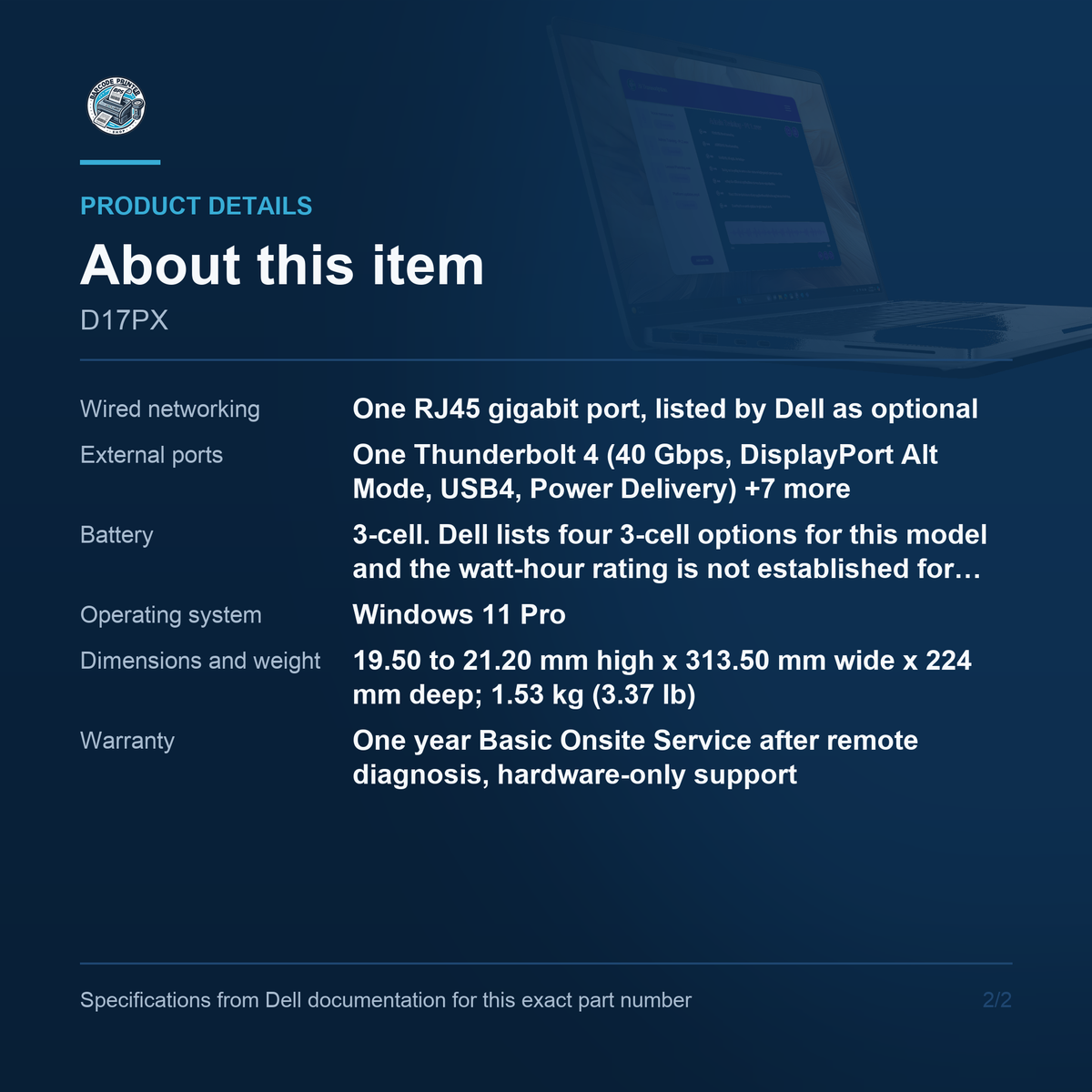
- Wired networking: One RJ45 gigabit port, listed by Dell as optional
- External ports: One Thunderbolt 4 (40 Gbps, DisplayPort Alt Mode, USB4, Power Delivery), two USB 3.2 Gen 1 (one with PowerShare), HDMI 2.1 TMDS, optional RJ45, global headset jack, optional smart card reader, nano-SIM slot, wedge lock slot
- Battery: 3-cell. Dell lists four 3-cell options for this model and the watt-hour rating is not established for this code
- Operating system: Windows 11 Pro
- Dimensions and weight: 19.50 to 21.20 mm high x 313.50 mm wide x 224 mm deep; 1.53 kg (3.37 lb)
- Warranty: One year Basic Onsite Service after remote diagnosis, hardware-only support
What this code is
D17PX is the Dell Pro 14 Plus PB14250 in one build: Core Ultra 7 265U, 16 GB, 512 GB, the 300-nit touch panel at 100% sRGB, and Windows 11 Pro. Five distributors map the code to that configuration independently, and the combination matches exactly one of Dell's eight panel options for the model, which is what pins the display variant rather than leaving it as a family-level range. Note the model designation, because Dell files two separate owner's manuals for the PB14250: one for the Core Ultra 200U and 100U series, one for the 200V series. This is a 265U, so only the 200U manual applies and the other gives wrong values.
Processor and graphics
Dell's printed row for this processor reads 15 W, 12 cores, 14 threads, up to 5.3 GHz and 12 MB of cache. Dell prints no base clock at all; three distributors state 2.10 GHz and that is their figure. The graphics claim is the one to get right. Every distributor listing for this code calls the graphics Intel Arc Graphics, and Dell's own GPU table for the PB14250 prints only Intel Graphics, with the word Arc appearing nowhere on that page. This listing prints what Dell prints. If a tender or an application requirement turns on the Arc designation specifically, that has to be confirmed with Dell against this processor rather than taken from the channel.
Memory and storage
Memory is 16 GB of DDR5 at 5600 MT/s in SODIMM slots, not soldered, and two distributors state it arrives as one module with the second slot free. So the machine runs single-channel as delivered and can be doubled without discarding anything, up to Dell's 64 GB maximum. Storage is a 512 GB PCIe Gen4 NVMe drive rated up to 64 Gbps. Dell gives this model ONE M.2 slot, which accepts either a 2230 or a 2280 drive, so there is no second position for a data disk. Which of the two lengths is actually fitted is not established for this code, and it only matters if a drive swap is planned.
The touch panel
The panel is a 14-inch FHD+ at 1920 x 1200, IPS, 300 nits, 100% sRGB, 60 Hz, anti-glare, and it is a touchscreen. Two clarifications that decide orders. This is a touch clamshell and not a 2-in-1: the screen does not fold back into tablet mode, and one distributor states clamshell explicitly. And it is not a privacy panel. Dell's privacy option for this model is the 500-nit touch panel, a different choice from the eight, so a buyer who needs a factory privacy filter needs a different code. The 100% sRGB coverage is the notable figure here: it is a colour-accurate panel by the standards of a 14-inch business machine.
Ports and docking
There is one Thunderbolt 4 port at 40 Gbps, carrying DisplayPort Alt Mode, USB4 and Power Delivery, and the count matters. One distributor claims two Thunderbolt ports; Dell's own table prints one, confirmed by a third narrowly worded read of that single line. A desk built around two Thunderbolt connections will not work as drawn. Alongside it are two USB 3.2 Gen 1 ports at 5 Gbps, one with PowerShare, an HDMI 2.1 TMDS output, a global headset jack and a wedge lock slot. The RJ45 gigabit port is an option in Dell's table rather than standard, as are the smart card reader and the nano-SIM slot. Charging is over the Type-C ports.
What is not confirmed
The battery is a 3-cell pack and the watt-hour rating is deliberately not stated. Dell lists four 3-cell options for this model, 45 Wh and 55 Wh with Long Life Cycle versions of each, and no source ties one of them to this code; the two distributors that mention the battery print runtime hours instead of watt-hours. The SSD length is likewise open between 2230 and 2280. And Dell's processor table does not print vPro against the Core Ultra 7 265U, although three distributors state vPro Enterprise and Intel does ship such a variant of that processor. It is reported here as a channel claim, not as a Dell specification.
Warranty and lifecycle
The warranty is one year of Basic Onsite Service after remote diagnosis, with hardware-only support, quoted in identical words by two independent distributors, which is stronger sourcing than most warranty lines in this catalogue carry. It is worth comparing against the two Dell Pro Slim desktops listed here, which carry three years of onsite service: the warranty term is not uniform across the Dell Pro range and must not be assumed from a sibling. The model itself is current, stocked across six distributors, with Dell's owner's manuals live in two processor variants. Nothing about this code is end of life.
Where it fits
This is the machine to buy when the desk has a Thunderbolt dock and the work wants a touchscreen: annotation, signature capture, kiosk-style forms, or simply a user who works faster with a screen they can tap. It is a 15 W part, so it is a thin travelling machine rather than a workstation, and the 100% sRGB panel makes it usable for light design review as well as documents. Two reasons not to buy it. If the deployment needs two Thunderbolt ports, Dell publishes one. And if wired Ethernet is mandatory across the fleet, confirm the optional RJ45 is present on the units being quoted before the order is placed.
Barcode Printer Shop supplies Dell computers configuration by configuration rather than model by model, so the machine on the invoice is the one that was quoted. Contact us to learn more or secure this solution for your business today.