Dell Pro Smart Dock SD25 USB-C Docking Station Remote Management 2.5GbE 180W AC Adapter with 130W Power Delivery DELL-SD25
Dell Pro Smart Dock SD25 USB-C Docking Station Remote Management 2.5GbE 180W AC Adapter with 130W Power Delivery DELL-SD25
SKU: DELL-SD25
UPC: 754063783805
Condition: Brand New, Factory Sealed
Authentic: Guaranteed 100% Genuine Dell Product
Fulfillment: Ships Same Business Day (Cutoff 3PM ET)
Warehouse: Ships from U.S. Warehouse
Shipping: Free UPS Ground Shipping
Returns: 30-Day Hassle-Free Returns
Support: U.S. Based Pre & Post-Sales Support
Sales Tax: Charged on Pennsylvania orders only — No tax for most out-of-state customers
Low stock: 4 left
Couldn't load pickup availability
- Genuine OEM Products
- Hassle-Free Returns
- Free U.S. Based Product Support
Key Features
- DELL-SD25 is the distributor channel string for the Pro Smart Dock SD25, not a Dell order code. It denotes the boxed retail product with its 180 W adapter.
- Smart Dock: manageable from the Dell Device Management Console over its own secure Wi-Fi connection, with no host PC attached and no end user present.
- Remote firmware updates without a PC, host PC based firmware updates, firmware update on disconnect, and port disablement independent of the PC.
- Remote management LED on the top face showing the dock's cloud connection status, which the plain WD25 does not have.
- USB-C dock with a captive 0.9 m cable. There are no Thunderbolt ports on this chassis.
- 180 W AC adapter delivering up to 130 W to Dell commercial notebooks, and up to 96 W to non-Dell computers.
- Drives up to four external displays over two DisplayPort 1.4, one HDMI 2.1 and a USB-C port with DisplayPort 1.4 Alt Mode.
- Without Display Stream Compression the ceiling is one 4K at 60 Hz; with it, four WQHD at 60 Hz, two 5K at 60 Hz or a single 6K at 60 Hz.
- 2.5GbE networking on one RJ-45 at 10/100/1000/2500 Mbps, with PXE Boot, MAC address pass-through and Wake-On-LAN.
- No Intel AMT on this model. Out-of-band management of the host machine is an SD25TB4 claim only.
- Dell 3-Year Limited Hardware Warranty with Advanced Exchange, with four-year and five-year extensions available.
Key Specifications
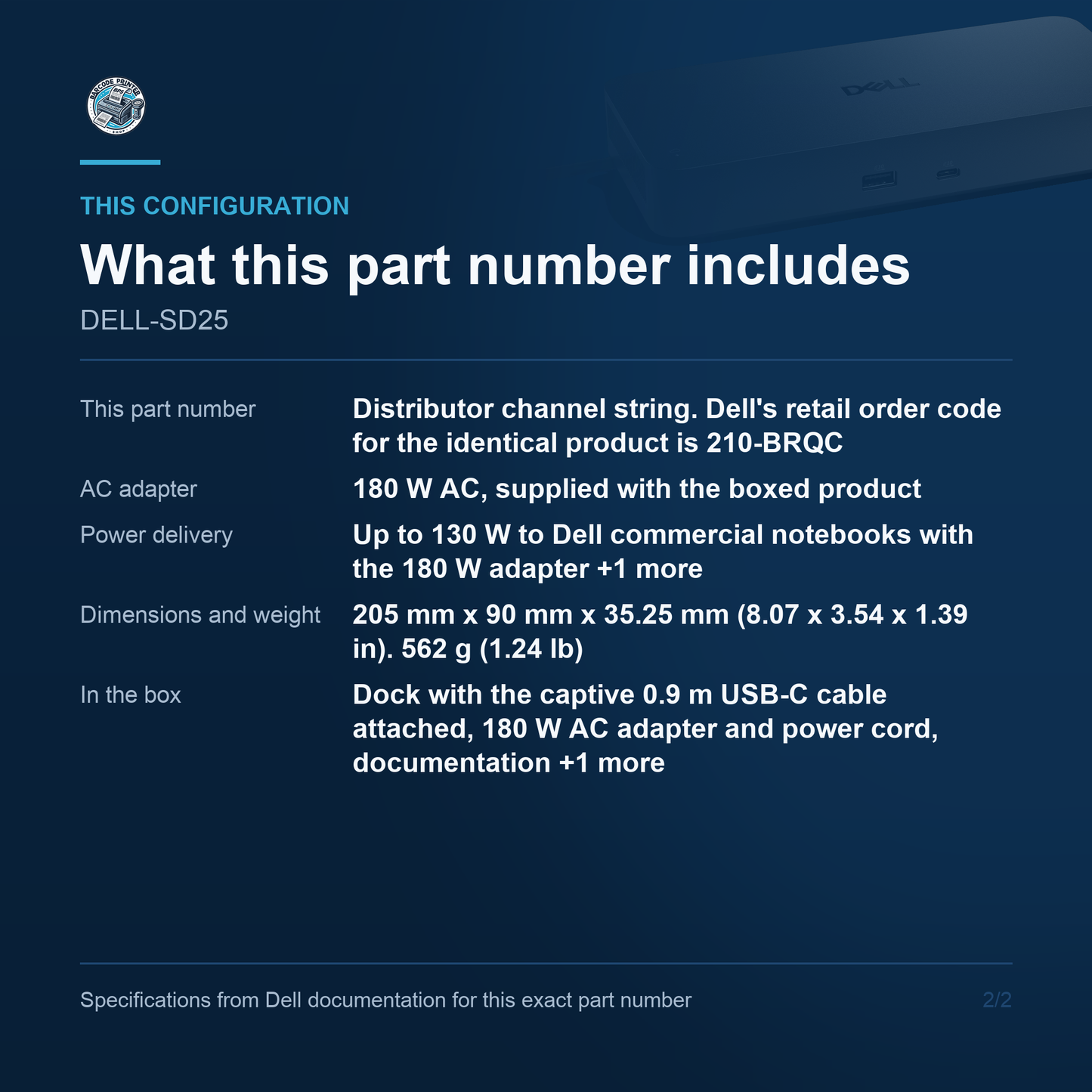
- This part number: Distributor channel string. Dell's retail order code for the identical product is 210-BRQC
- AC adapter: 180 W AC, supplied with the boxed product
- Host connection: Captive 0.9 m USB Type-C cable, USB Type-C with DisplayPort Alt Mode. No Thunderbolt
- Power delivery: Up to 130 W to Dell commercial notebooks with the 180 W adapter; up to 96 W to non-Dell computers
- External displays: Up to 4, over 2 x DisplayPort 1.4, 1 x HDMI 2.1 and 1 x USB-C with DisplayPort 1.4 Alt Mode
- Displays without DSC: 4 x SXGA 1280 x 1024 @60 Hz, 3 x FHD @60 Hz, 2 x QHD @60 Hz, or 1 x 4K @60 Hz
- Displays with DSC: 4 x WQHD 3440 x 1440 @60 Hz, 3 x WQHD @60 Hz, 2 x 5K 5120 x 2160 @60 Hz, or 1 x 6K 6144 x 3456 @60 Hz
- USB ports: Four USB 3.2 Gen2 Type-A at 10 Gbps across the dock, one on the front with PowerShare; Dell does not state the rear count in words. Plus 1 x USB 3.2 Gen2 Type-C front and 1 x USB 3.2 Gen2 Type-C with DisplayPort Alt Mode rear
- Network: One RJ-45 at 10/100/1000/2500 Mbps (2.5GbE). PXE Boot, Kernel Direct Memory Access protection, MAC address pass-through, Wake-On-LAN
- Dock management: Dell Device Management Console over secure Wi-Fi with no PC attached. Remote firmware updates without a PC, host PC based updates, update on disconnect, port disablement independent of the PC. No Intel AMT on this model
- Dimensions and weight: 205 mm x 90 mm x 35.25 mm (8.07 x 3.54 x 1.39 in). 562 g (1.24 lb)
- In the box: Dock with the captive 0.9 m USB-C cable attached, 180 W AC adapter and power cord, documentation (Quick Start Guide, Safety, Environmental and Regulatory Information)
What this code is
DELL-SD25 is the distributor channel string for the Pro Smart Dock SD25, carried by the trade as the manufacturer part number. Dell's own retail order code for the identical product is 210-BRQC, with the order code sd25sap. It denotes the boxed product, so the 180 W AC adapter, the power cord and the documentation are in the carton. The 180 W is the adapter; the power delivered to a Dell notebook is up to 130 W, and to a non-Dell notebook up to 96 W. What makes this a Smart Dock rather than a WD25 is remote management over the dock's own secure Wi-Fi connection, with no host PC attached and no end user present.
Host connection
The SD25 connects over a captive USB Type-C cable 0.9 m long, with the connector specified as USB Type-C with DisplayPort Alt Mode. It is not a Thunderbolt dock: the word Thunderbolt does not appear in Dell's SD25 data sheet on either of two independent reads, and there are no Thunderbolt ports on the chassis. The host needs a USB-C port carrying DisplayPort Alt Mode, and a data-only USB-C port will not drive monitors through it. The Thunderbolt member of the Smart Dock family is the SD25TB4, which shares this chassis, this 180 W adapter and this 130 W power delivery, but reaches roughly a full resolution tier higher at every display count.
Power and charging
The AC adapter is 180 W. The power delivered to the notebook is up to 130 W for Dell commercial notebooks and up to 96 W for non-Dell computers, and Dell's Pro Docks Compatibility Guide heads the column WD25Z / SD25 with 130W Power Delivery. The 96 W figure is the one to plan a mixed fleet around, and it is genuinely different from the 90 W of the WD19 and WD22TB4 generation, so the two must not be pooled. 130 W keeps a 15-inch or 16-inch business notebook charged while it works. The SD25 ships in this configuration only; the 130 W adapter version of this chassis is the plain WD25, which delivers 100 W.
Displays and hosts
Up to four external displays, routed over two DisplayPort 1.4 outputs, one HDMI 2.1 and the rear USB-C port with DisplayPort 1.4 Alt Mode. What those displays can show turns on Display Stream Compression, and the difference is a full resolution tier. Without DSC the ceiling is one 4K at 60 Hz, two QHD at 60 Hz, three FHD at 60 Hz, or four displays at 1280 x 1024. With DSC the same dock reaches four WQHD at 60 Hz, three WQHD at 60 Hz, two 5K at 60 Hz, or a single 6K at 60 Hz. Check that the notebook and the monitors both support DSC before planning three or four screens, because without it a four-monitor desk lands at 1280 x 1024 per screen.
Ports and network
On the top face there are two items: the sleep and wake power button, and a remote management LED showing the dock's cloud connection status. Front: one USB 3.2 Gen2 Type-A port with PowerShare and one USB 3.2 Gen2 Type-C, both at 10 Gbps. Back: one HDMI 2.1, two DisplayPort 1.4, one USB 3.2 Gen2 Type-C with DisplayPort Alt Mode, further USB 3.2 Gen2 Type-A ports, the RJ-45 and the 7.4 mm power connector. Dell gives four Type-A ports in total, one of them on the front, but never states the rear count in words. A wedge-shaped lock slot and a Kensington slot are on the right. Networking is 2.5GbE at 10/100/1000/2500 Mbps.
Dock management
This is what the SD in the model name buys, and it is the reason to choose this dock over a WD25. Dell's Device Management Console configures, deploys and updates Smart Docks over a secure Wi-Fi connection of the dock's own, without a physical connection to a computer and without an end user present. Dell's printed feature list for this model is remote firmware updates without a PC, host PC based firmware updates, firmware update on disconnect, and port disablement independent of the PC. The plain WD25 can be managed only while it is connected to a running PC, and Dell says so in as many words. What the SD25 does not have is Intel AMT: that claim appears only on the SD25TB4 and was verified absent here.
Where it fits
Specify the SD25 where the estate is large enough that touching a dock in person costs real money. A firmware update pushed to a hundred docks over a weekend, without booking a user's machine or asking anyone to leave a laptop plugged in, is the whole business case, and it is the difference between this dock and the cheaper WD25. It also delivers 130 W rather than 100 W, so it suits heavier notebooks. Choose the plain WD25 for a small site where remote dock management is not worth the premium, and the SD25TB4 where the desks need Thunderbolt, Intel AMT, or more than one 4K screen without compression. This listing carries the distributor channel string, which denotes the boxed product rather than a service spare.
Lifecycle position
The SD25 is current generation. Dell files it under Section I, New Dell Pro Docks, in the Pro Docks Compatibility Guide updated 26 June 2026, with the WD25, WD25Z, WD25TB4, WD25TB5, SD25TB4 and SD25TB5. It carries Dell's 3-Year Limited Hardware Warranty with Advanced Exchange, with four-year and five-year extensions available. The chassis is 205 mm by 90 mm by 35.25 mm, the same footprint as the WD25 and 6.25 mm deeper than the WD19 and WD22TB4 chassis. The weights across this family are not shared and should not be quoted from a sibling: 550 g for the WD25, 562 g here, 579 g for the SD25TB4.
Barcode Printer Shop supplies Dell docking stations by exact part number, with the adapter wattage and the power delivered to the notebook stated separately so the two are never confused. Contact us to learn more or secure this solution for your business today.