APC Network Management Card 3 UPS SmartSlot Gigabit SNMP AP9640
APC Network Management Card 3 UPS SmartSlot Gigabit SNMP AP9640
SKU: AP9640
UPC: 731304355533
Condition: Brand New, Factory Sealed
Authentic: Guaranteed 100% Genuine APC Product
Fulfillment: Ships Same Business Day (Cutoff 3PM ET)
Warehouse: Ships from U.S. Warehouse
Shipping: Free UPS Ground Shipping
Returns: 30-Day Hassle-Free Returns
Support: U.S. Based Pre & Post-Sales Support
Sales Tax: Charged on Pennsylvania orders only — No tax for most out-of-state customers
90 in stock
Couldn't load pickup availability
- Genuine OEM Products
- Hassle-Free Returns
- Free U.S. Based Product Support
Key Features
- UPS Network Management Card 3, APC part number AP9640, fitted to the SmartSlot on a Smart-UPS rather than plugged in externally.
- Gigabit network connector: 10/100/1000Base-T, so the card does not become the slowest thing in the rack.
- Speaks SNMP, HTTPS, SSH, FTP, HTTP, DHCP, BOOTP and TCP/IP, which covers both modern monitoring stacks and the older ones still in service.
- Micro-USB configuration port with the cable supplied, for first setup without a network address.
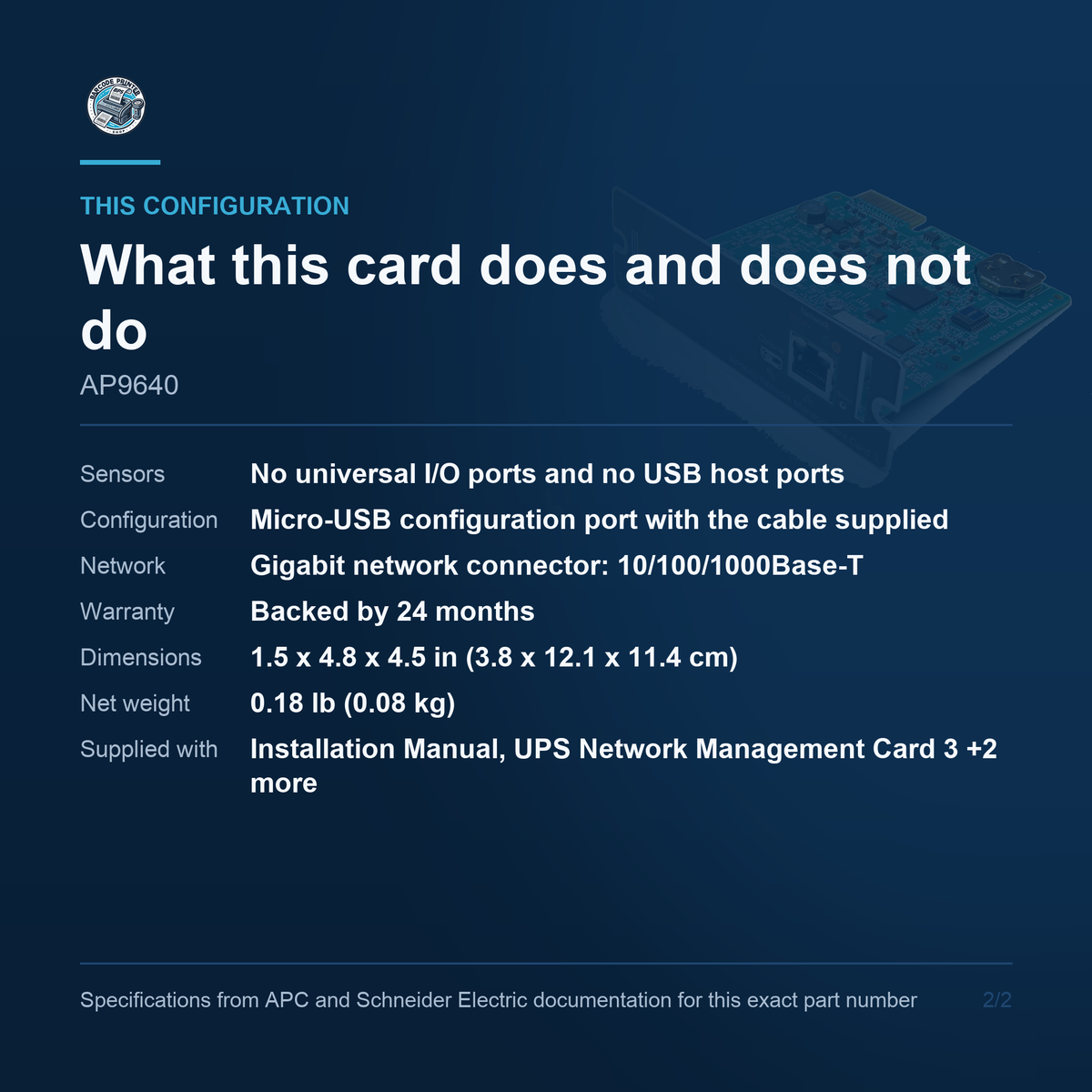
- Modbus TCP/IP is supported. Modbus RTU is not, and neither are sensors: this is the base card, and the AP9641 is the one with environmental monitoring.
- No universal I/O ports and no USB host ports, so there is no sensor input and no firmware upgrade from a flash drive on this part number.
- The right choice where the rack already has environmental monitoring and all you need from the UPS is power status, alerting and shutdown.
- Compatible across a wide APC range including Smart-UPS, Smart-UPS Online, Smart-UPS Ultra, Symmetra PX and the Galaxy families.
- Weighs 0.18 lb (0.08 kg) and measures 1.5 x 4.8 x 4.5 in (3.8 x 12.1 x 11.4 cm).
- Backed by 24 months.
Key Specifications
- Product type: UPS Network Management Card 3 (SmartSlot)
- Network connector: 10/100/1000Base-T
- Protocols: HTTP over Secure Sockets Layer (HTTPS), SSH, FTP, HTTP, SNMP, DHCP, BOOTP (Bootstrap Protocol) and TCP/IP
- Environmental monitoring: No - see AP9641 for the card with sensor inputs
- Ports: 10/100/1000Base-T network connector and Micro-USB configuration port
- Compatible UPS families: Galaxy VM, Galaxy VX, Symmetra PX, Easy UPS 3M Advanced, Easy UPS 3-Phase Modular, Galaxy PX, Galaxy 3L Pro, Smart-UPS, Smart-UPS Ultra, Smart-UPS Online, Smart-UPS Modular Ultra, Smart-UPS Battery Systems, Back-UPS SX3 and Refurbished Smart-UPS
- Form factor: SmartSlot card, secured with the slot-cover screws
- Dimensions: 1.5 x 4.8 x 4.5 in (3.8 x 12.1 x 11.4 cm)
- Net weight: 0.18 lb (0.08 kg)
- Supplied with: Installation Manual, UPS Network Management Card 3, Micro-USB configuration cable (part number 960-0603), Network Management Card quality assurance test slip and Warranty registration form
- Warranty: 24 months
What this card is
The AP9640 is APC's Network Management Card 3, the card that gives a Smart-UPS its own place on the network. Without one, a UPS reports to whatever is plugged into its USB or serial port. That means exactly one machine sees the alarms, exactly one machine can be shut down gracefully, and everything else in the rack finds out about the outage when it loses power. With the card fitted, the UPS gets an address, a web interface, its own alert rules and its own event log. It can email or trap on a power event, trigger graceful shutdowns across several servers, and be queried by whatever monitoring system the rest of the estate already uses.
What it fits
APC lists this card as compatible with Galaxy VM, Galaxy VX, Symmetra PX, Easy UPS 3M Advanced, Easy UPS 3-Phase Modular, Galaxy PX, Galaxy 3L Pro, Smart-UPS, Smart-UPS Ultra, Smart-UPS Online, Smart-UPS Modular Ultra, Smart-UPS Battery Systems, Back-UPS SX3 and Refurbished Smart-UPS. The installation manual puts it more plainly: it is compatible with all currently shipping Smart-UPS devices that have a SmartSlot, which covers the SMT, SMX and SRT lines. One thing worth checking before you order: some APC part numbers ship with a card already fitted. Anything with an NC suffix in the Smart-UPS range generally arrives with the SmartSlot occupied, and the Smart-UPS Ultra line has management embedded rather than slotted.
Ports and protocols
The network connector is 10/100/1000Base-T. Protocols are HTTP over Secure Sockets Layer (HTTPS), SSH, FTP, HTTP, SNMP, DHCP, BOOTP (Bootstrap Protocol) and TCP/IP. There is also a micro-USB configuration port, and APC supplies the cable for it. The gigabit connector matters less for throughput than for the switch it plugs into: a card stuck at 10 or 100 megabit forces a port down on modern hardware and shows up as a link mismatch in the monitoring nobody wants to explain.
How it differs
This is the base card, and the distinction from its sibling is worth being precise about. The AP9640 has no universal input/output ports, so no temperature or humidity sensor can be attached to it, and no sensor ships with it. It also has no USB host ports, so UPS firmware cannot be upgraded from a flash drive through this card, and it supports Modbus TCP/IP but not Modbus RTU. None of that makes it the lesser choice by default. If the room already has environmental monitoring, or the rack is instrumented some other way, then paying for sensor inputs that will never be used is simply paying more.
Installation and setup
Physically the card measures 1.5 x 4.8 x 4.5 in (3.8 x 12.1 x 11.4 cm) and weighs 0.18 lb (0.08 kg). It slides into the SmartSlot and is held by the slot-cover screws. Installation is a few minutes of work on most Smart-UPS models and does not require the unit to be taken out of the rack, though whether the UPS needs to be powered down first depends on the model, so check the manual for yours. Set the address over the micro-USB port before the card goes near the production network, change the default credentials, and put the card on a management VLAN if you have one. It can shut down servers, which makes it worth treating as infrastructure rather than an accessory.
In the box
APC lists the following with this card: Installation Manual, UPS Network Management Card 3, Micro-USB configuration cable (part number 960-0603), Network Management Card quality assurance test slip and Warranty registration form. Warranty is 24 months. One note on the documentation: APC's data sheet lists a shorter carton contents than the installation manual does. The list above follows the installation manual, which is the fuller of the two manufacturer sources. If the exact carton contents matter for your purchase order, ask us and we will check against the stock we hold rather than repeat a document back to you.
If a Smart-UPS in your rack is still reporting to one machine over a USB cable, the APC AP9640 is the part that fixes it, and we hold it in stock. Contact us to learn more or secure this solution for your business today.